Show post instructions
Post instructions:
Facebook Business Page Post Instructions:
- Click on DOWNLOAD IMAGE to save the image below to your phone’s photo library or your computer (we recommend creating a folder).
- Click on COPY TO CLIPBOARD to use the provided post copy (or you can write your own).
- Go to your Facebook Business page and click Create Post.
- Use the paste command to insert the post copy from the clipboard into your post.
- Click on photo/video to add the downloaded image (or video) to your post. Search for the image in your phone’s photo library or on your computer.
- Click Post.
NOTE: Use this post on Instagram too!
Post verbiage:
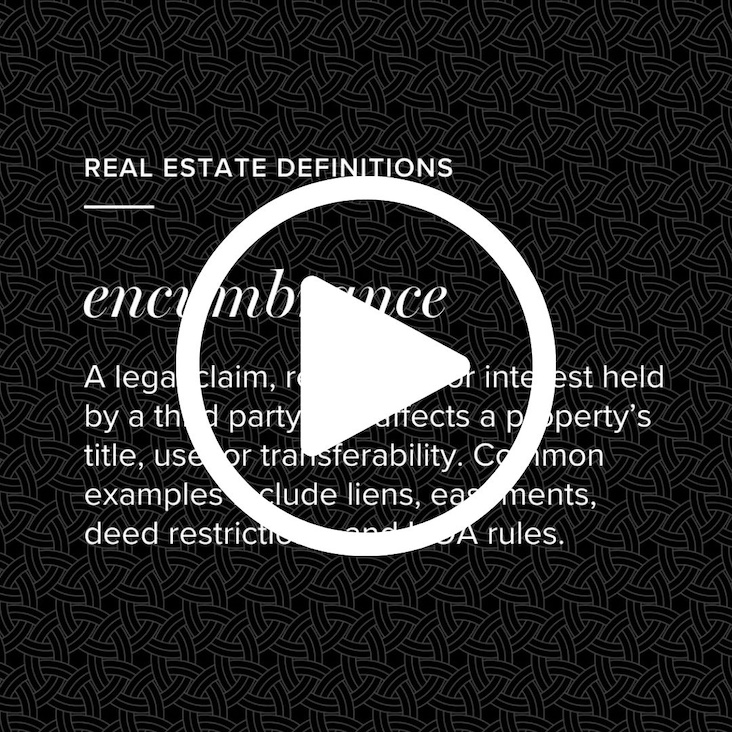
Encumbrances can quietly slow down—or completely derail—a home sale if they aren’t caught early. What seems minor on paper can turn into a last-minute closing issue. Selling soon? Let’s take a proactive look at your property and avoid surprises before your home hits the market. Give me a call today!