Show post instructions
Post instructions:
Facebook Business Page Post Instructions:
- Click on DOWNLOAD IMAGE to save the image below to your phone’s photo library or your computer (we recommend creating a folder).
- Click on COPY TO CLIPBOARD to use the provided post copy (or you can write your own).
- Go to your Facebook Business page and click Create Post.
- Use the paste command to insert the post copy from the clipboard into your post.
- Click on photo/video to add the downloaded image (or video) to your post. Search for the image in your phone’s photo library or on your computer.
- Click Post.
NOTE: Use this post on Instagram too!
Post verbiage:
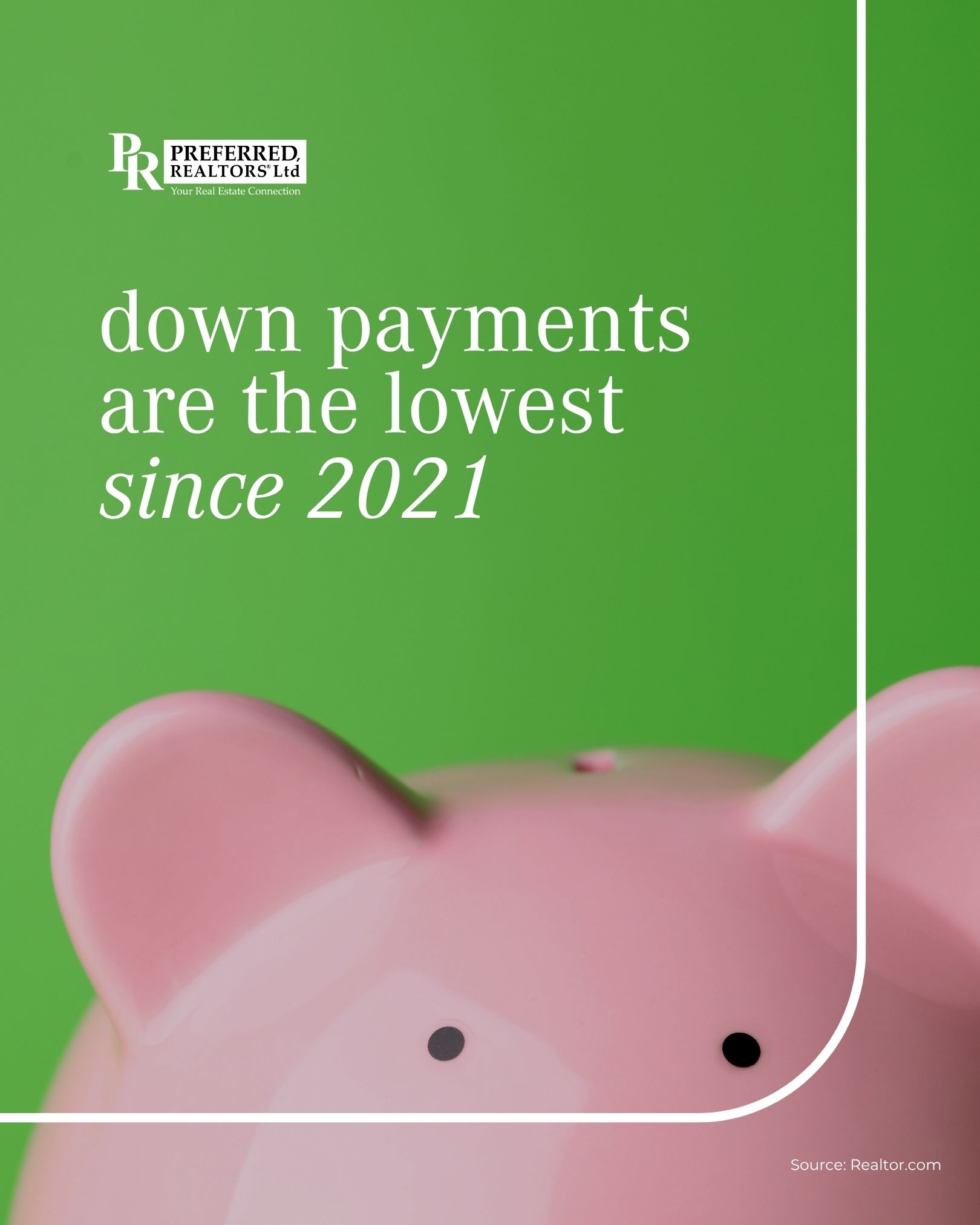
💰Think you need a huge down payment to buy a home? Think again.
Today's buyers are putting less money down than they were a year ago. In fact, the typical down payment dropped to about $23,400 in early 2026, the lowest it's been since 2021.
Why? 👇
🏡 Home prices have become more moderate.
📈 The market is more balanced.
🔑 More buyers are using low or no down payment loan options like FHA and VA loans.
If saving for a big down payment has been keeping you on the sidelines, now might be the perfect time to see what's possible.
📩 Reach out today and let's explore your options.