Show post instructions
Post instructions:
Facebook Business Page Post Instructions:
- Click on DOWNLOAD IMAGE to save the image below to your phone’s photo library or your computer (we recommend creating a folder).
- Click on COPY TO CLIPBOARD to use the provided post copy (or you can write your own).
- Go to your Facebook Business page and click Create Post.
- Use the paste command to insert the post copy from the clipboard into your post.
- Click on photo/video to add the downloaded image (or video) to your post. Search for the image in your phone’s photo library or on your computer.
- Click Post.
NOTE: Use this post on Instagram too!
Post verbiage:
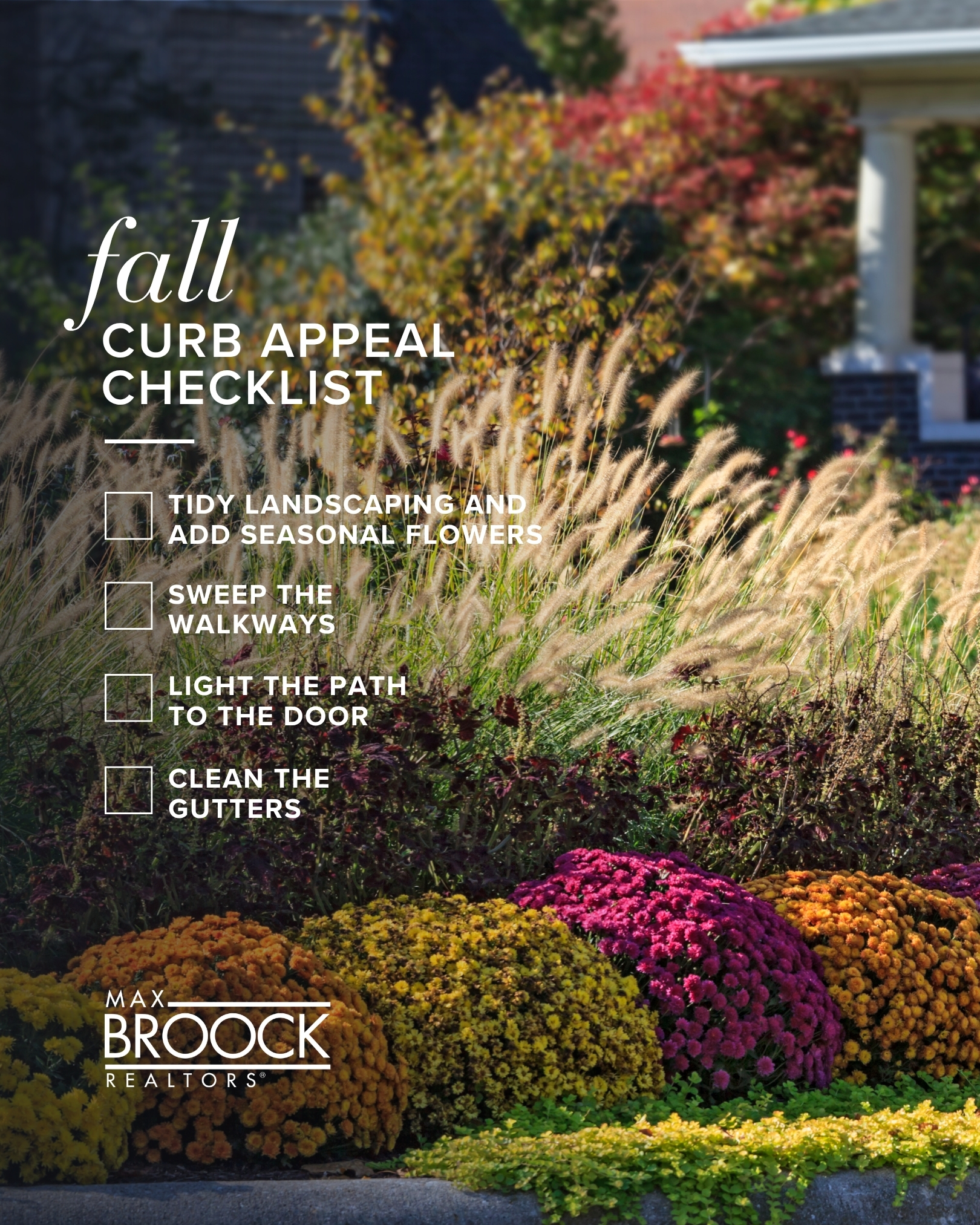
If you’re selling this season, a little effort out front goes a long way. Because the moment a buyer pulls up to a showing, they're already forming an opinion.
But there are a few simple things you can do to nail that first impression. Think tidying up your landscaping, bringing in some seasonal flowers, and sweeping the walkways. Or even just cleaning out the gutters and making sure the path to your door is well lit.
You don’t need to do a big overhaul to get buyers’ attention.
Let’s chat about what people in our area are looking for right now, and get your house prepped to sell this fall.